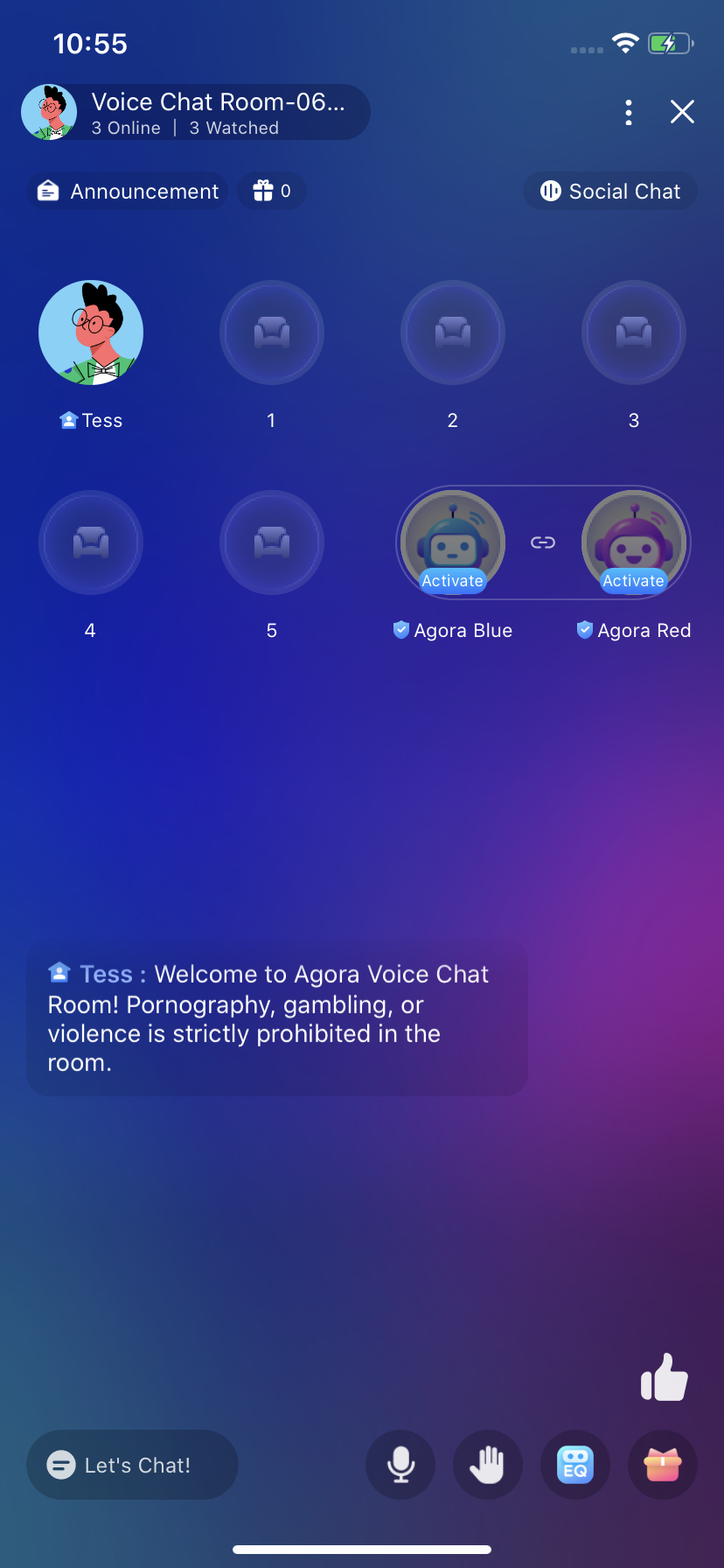
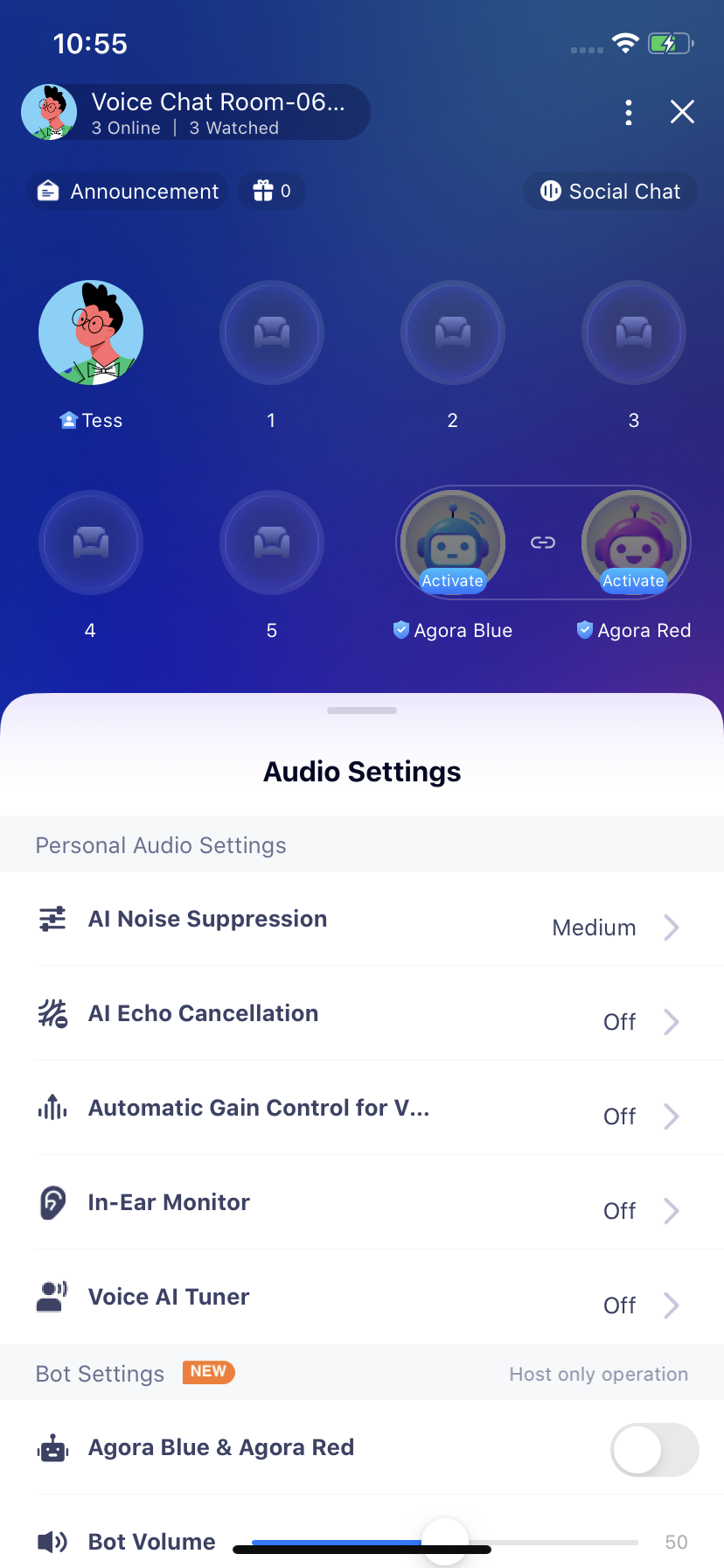
This document introduces how to quickly run through Audio Chatroom sample project.
- Xcode 14 or higher.
- A mobile device that runs iPhone 13.0 or higher.
-
Follow The Account Document to get the App ID and App Certificate.
-
Follow Enable and configure Chat to enable Chat in Agora Console and get the IM APP KEY, IM Client Id and IM Client Secret.
-
Open the
iOSproject and fill in properties got above to the root KeyCenter.swift file.# RTC SDK and IM key Config static let AppId: String = <#YOUR APPID#> static let Certificate: String? = <#YOUR CERTIFICATE#> static var IMAppKey: String? = <#YOUR IMAppKey#> static var IMClientId: String? = <#YOUR IMClientId#> static var IMClientSecret: String? = <#YOUR IMClientSecret#> -
Now you can run the project with Xcode to experience the application.
| Path(iOS/AgoraEntScenarios/Scenes/VoiceChatRoom) | Description |
|---|---|
| Scenes/VoiceChatRoom/Compoment/VoiceRoomIMKit/ | IM Manager |
| Scenes/VoiceChatRoom/Network/ | Net Manager |
| Scenes/VoiceChatRoom/Compoment/AgoraRtcKit/ | Rtc Manager |
| Scenes/VoiceChatRoom/Service/ | Service |
| Scenes/VoiceChatRoom/Controllers | ViewController |
| Scenes/VoiceChatRoom/Views | View |
If you have any problems or suggestions regarding the sample projects, feel free to file an issue.
- Check our FAQ to see if your issue has been recorded.
- Dive into Agora SDK Samples to see more tutorials.
- Take a look at Agora Use Case for more complicated real use case.
- Repositories managed by developer communities can be found at Agora Community.
- If you encounter problems during integration, feel free to ask questions in Stack Overflow.
The sample projects are under the MIT license.